
Coming soon to Google Play
Your days, drawn in crayon
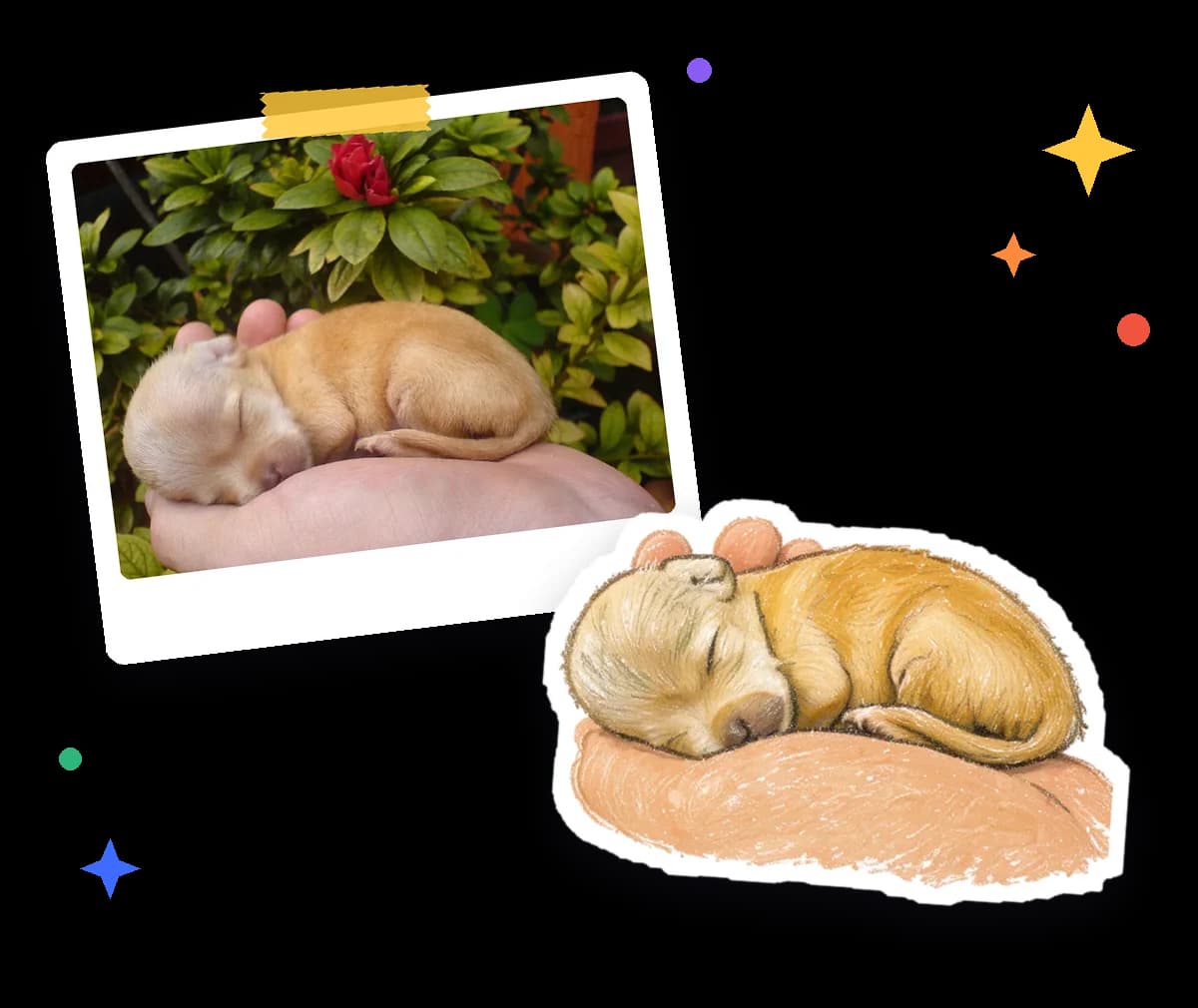
Pick one photo from your day. Crayonday's AI redraws it as a crayon doodle, removes the background so it looks like a sticker, and places it on that day's card. Day by day, your calendar becomes a little illustrated journal.
- One photo a day
- Background removed
- Arabic & English
- Every daya little drawing for each day
- Secondsfrom photo to crayon doodle
- AR · ENArabic and English, more coming
- No adsand no tracking
Real photos, real doodles
From a snapshot to a sticker
Each doodle here was drawn by Crayonday's AI from the photo pinned beside it, then cut out automatically.
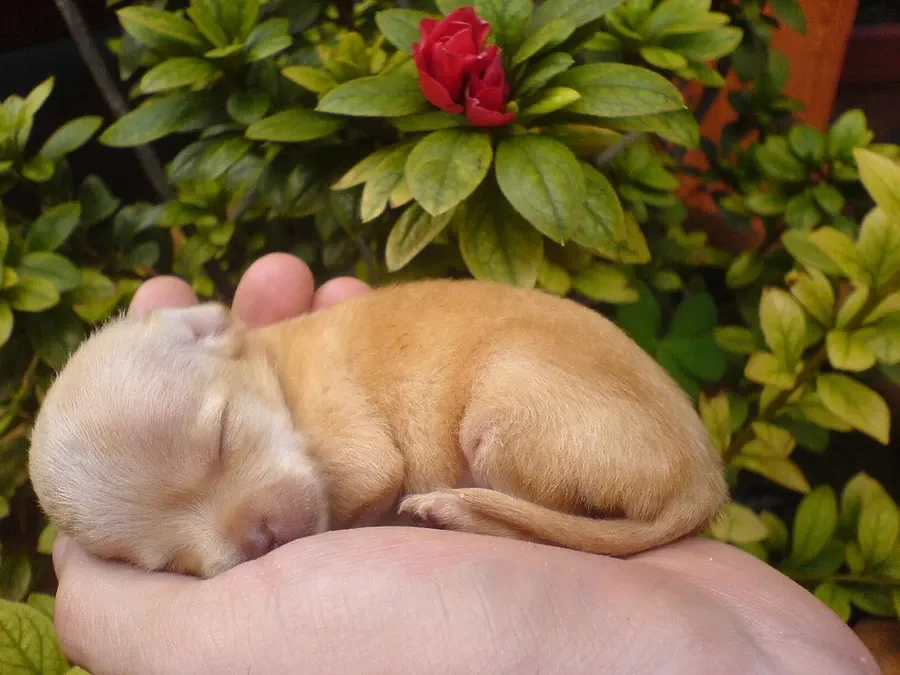
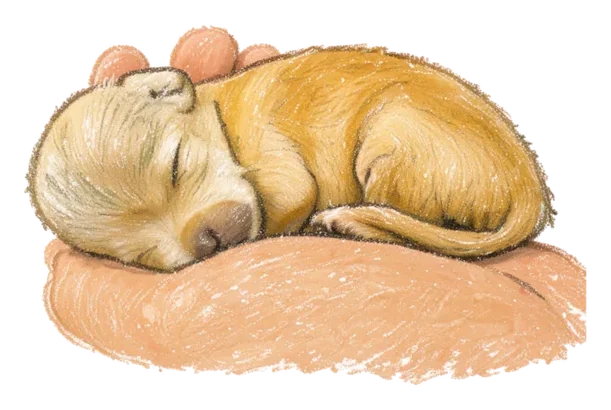
Nap timePhoto → crayon doodle 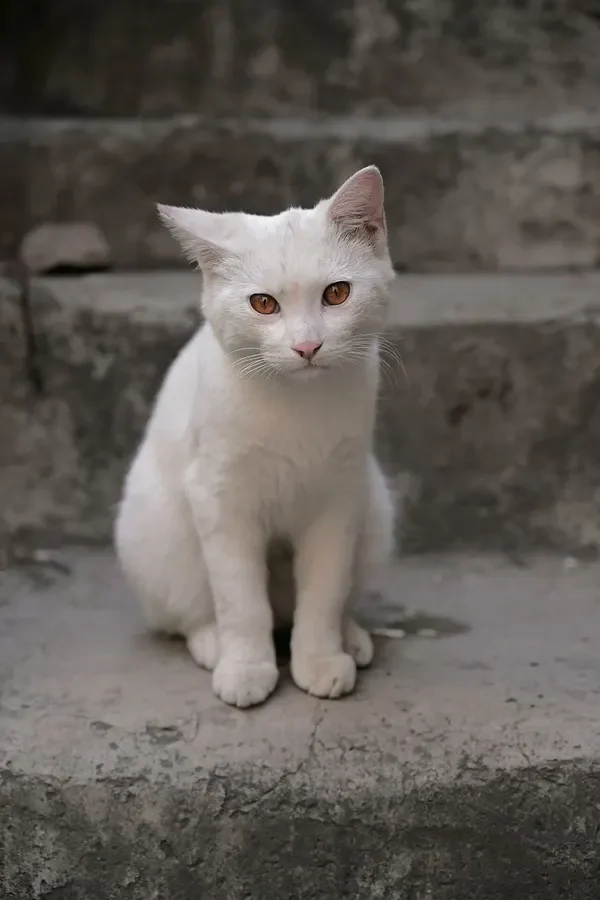
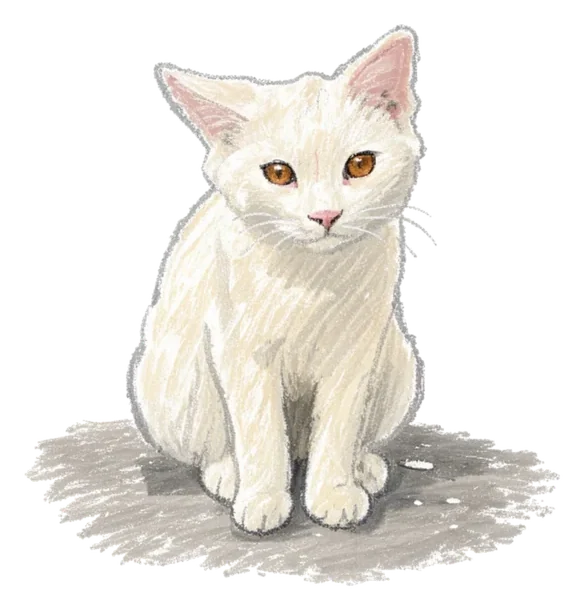
The stair catPhoto → crayon doodle 
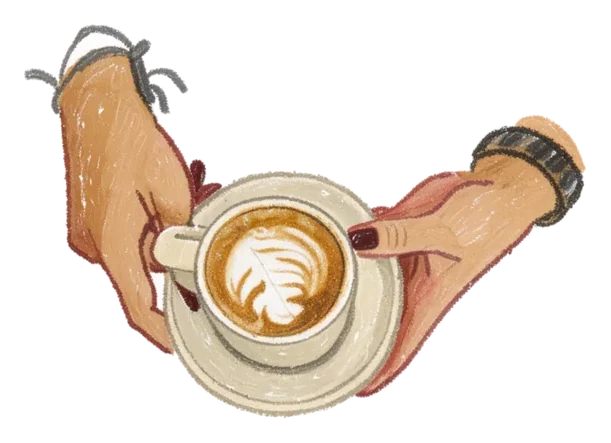
Morning cappuccinoPhoto → crayon doodle
Sample photos by Toronja Azul (CC BY 2.0), Fuad Al-Qrize (CC BY 4.0) and Shixart1985 (CC BY 2.0), via Wikimedia Commons. The photos were resized, and the doodles are AI adaptations of them. Full photo credits
How it works
Three small steps, once a day.
Pick today's photo
Snap a new one or choose one from your gallery: a coffee, your cat, an evening walk, a hug.
We draw it in crayon
In seconds, AI turns it into a crayon doodle and removes the background, so it looks like a sticker.
Watch your month fill up
The doodle lands on that day's card in your calendar. Tap any card to flip back to the original photo.
Everything a little journal needs
Quick enough for every day, lovely to look back on months later.
A doodle, not a filter
AI redraws your photo in soft crayon strokes and cuts it out like a sticker, background removed.
A calendar that tells your month
Every doodle sits on its day's card, so you can scroll back through weeks of little drawings.
Flip back to the moment
Tap a card to turn it over and see the original photo behind the drawing.
Share a doodle or a whole month
Send a single doodle to someone you love, or turn your month into one poster.
A gentle daily nudge
One soft reminder a day, so today's drawing doesn't slip by.
Arabic and English
The whole app speaks both, right-to-left included. More languages are on the way.
Free or Pro?
Start free with the crayon style. Go Pro when you want more doodles and every style.
| Free | Pro | |
|---|---|---|
| Doodles | A few a day | More every day and month |
| Crayon style | Yes | Yes |
| Watercolor, Felt Marker and Gouache | No | Yes |
| Calendar journal and photo flip | Yes | Yes |
| Share doodles | Yes | Yes |
| Month posters | With a watermark | No watermark |
| Daily reminder | Yes | Yes |
| Ads | None | None |
Simple, honest pricing
Launch prices in US dollars. Google Play shows the price for your country, which may differ. Pro renews automatically until you cancel, and you can cancel anytime in Google Play.
Free
$0
- A few doodles a day, within daily, monthly and lifetime limits
- The crayon style
- Calendar journal, photo flip and sharing
- Month posters with a watermark
- No ads
Pro · Monthly
$4.99 / month
- More doodles every day and every month
- Every style: Watercolor, Felt Marker, Gouache
- Month posters without a watermark
- Renews every month until you cancel
- Cancel anytime in Google Play
Pro · Yearly
$39.99 / year
- Everything in Pro · Monthly
- About $3.33 a month, billed yearly
- 7-day free trial, then $39.99 a year
- Cancel before the trial ends and you won't be charged
- Renews every year until you cancel
Your photo is drawn, then deleted
Crayonday uploads a photo only after you agree in the app, and only the one you choose to draw. After that, here is what you can count on.
To draw your doodle, the photo is processed by AI models through OpenRouter. The privacy policy lists every service we use.
Questions, answered
Which photos work best?
Photos with one clear subject: a pet, a cup of coffee, a plant, a meal or a favourite object. Good light and a subject that is not too small or cut off help the AI draw it well. If other people appear in a photo, ask them first. And if a doodle doesn't come out the way you hoped, you can try again.
What happens to my photo?
Only after you agree in the app, the photo you choose is uploaded to our servers in Frankfurt and sent to AI image models through OpenRouter to draw your doodle. We delete the original from our servers as soon as the doodle is ready or the request fails, and the doodle's server copy after 48 hours. The doodle in your journal stays on your phone until you delete it. We don't use your photos to train AI models.
How do the limits work?
The free plan includes a few doodles a day, within daily, monthly and lifetime limits. Pro raises the daily and monthly limits. The app always shows how many doodles you have left. Limits are counted per device, so reinstalling the app doesn't reset them.
How do I cancel Pro?
Open Google Play, tap your profile picture, then Payments & subscriptions › Subscriptions. Choose Crayonday and tap Cancel subscription. Pro stays on until the end of the period you've paid for. If you're in the free trial, cancel before it ends and you won't be charged. Deleting the app doesn't cancel a subscription.
Which languages does Crayonday speak?
Arabic and English, with full right-to-left support. More languages are coming.
Is there an iPhone version?
Not yet. Crayonday launches on Android first, on Google Play. An iPhone version is planned for later.
Do I need an account?
No. There's no sign-up: the app uses an anonymous identifier instead of an account, and your journal lives on your phone. That also means deleting the app removes your journal, so save or share the doodles you want to keep.
What if a doodle looks wrong?
AI drawings aren't perfect, and the same photo can come out differently each time. If a doodle is wrong or inappropriate, use Report on it in the app so we can review it.
Start your doodle diary
Crayonday is coming soon to Google Play. The iPhone version comes later.